
Video Editing
AI video editing tools streamline the often time-consuming process of cutting and polishing videos. They can automatically trim clips, add transitions, sync audio, insert captions, and even generate highlight reels based on key moments. Some platforms also include smart recommendations for music, effects, and pacing. With these tools, creators can produce high-quality content much faster, making them ideal for YouTubers, social media marketers, educators, and anyone who needs professional-looking videos without a steep learning curve.

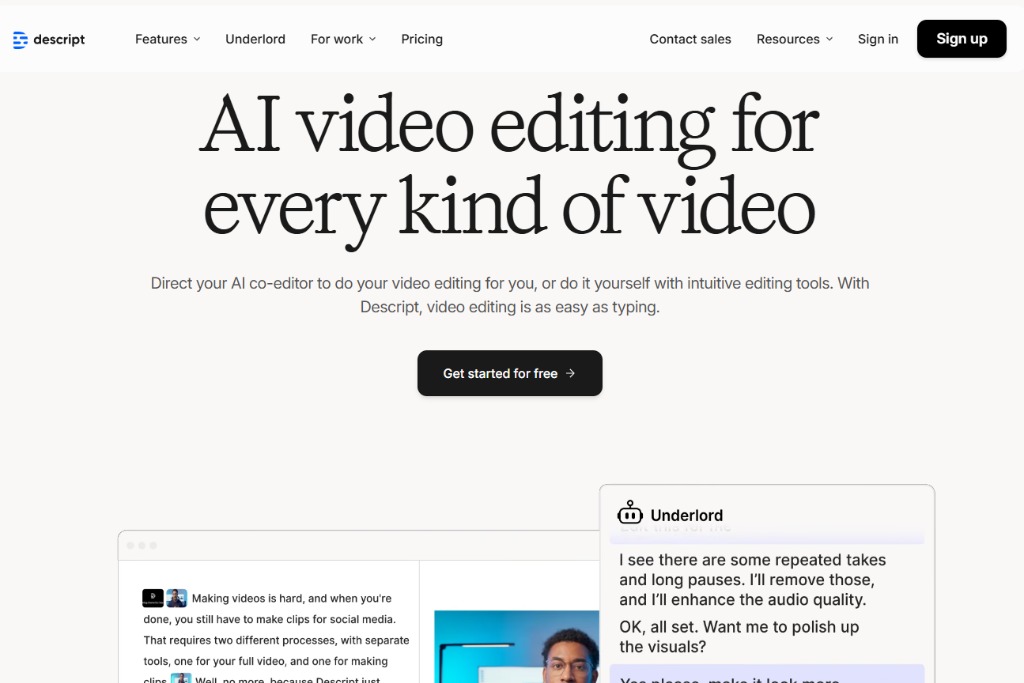
Descript
All-in-one AI video and audio editor with text-based editing and overdub.
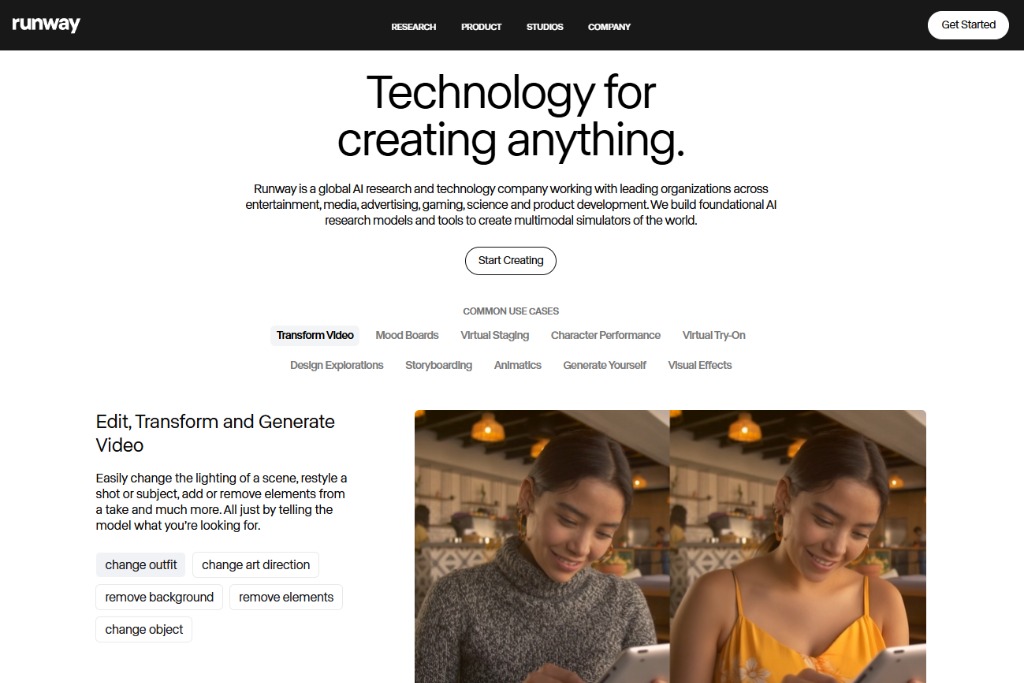
Runway
AI video editing studio for smart masking, background removal, and effects.
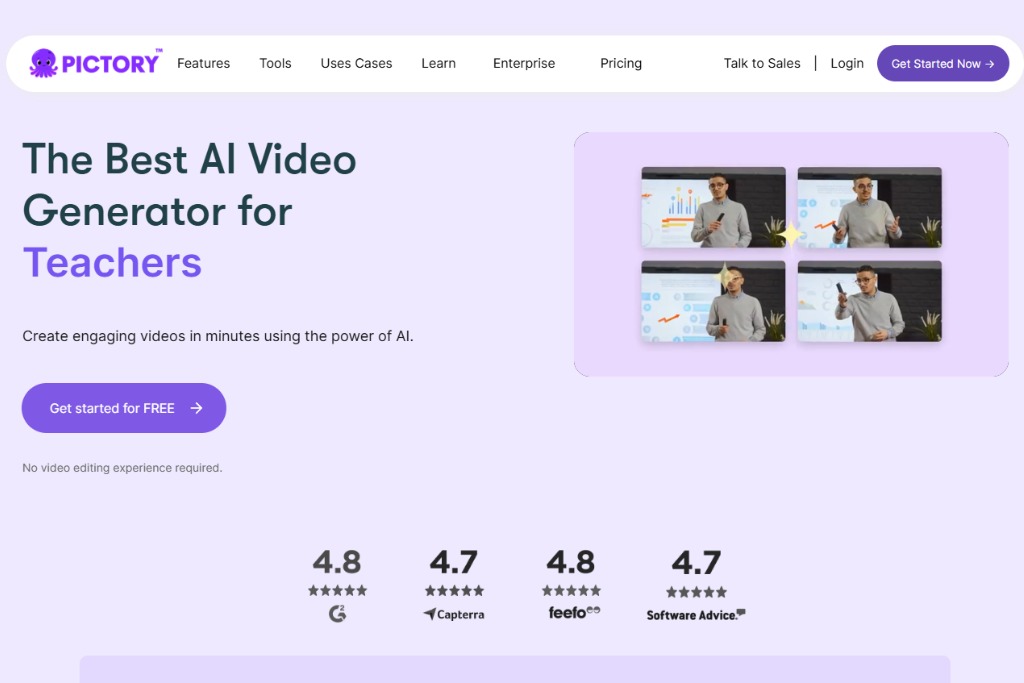
Pictory
AI tool to create and edit videos from text, scripts, and blogs.
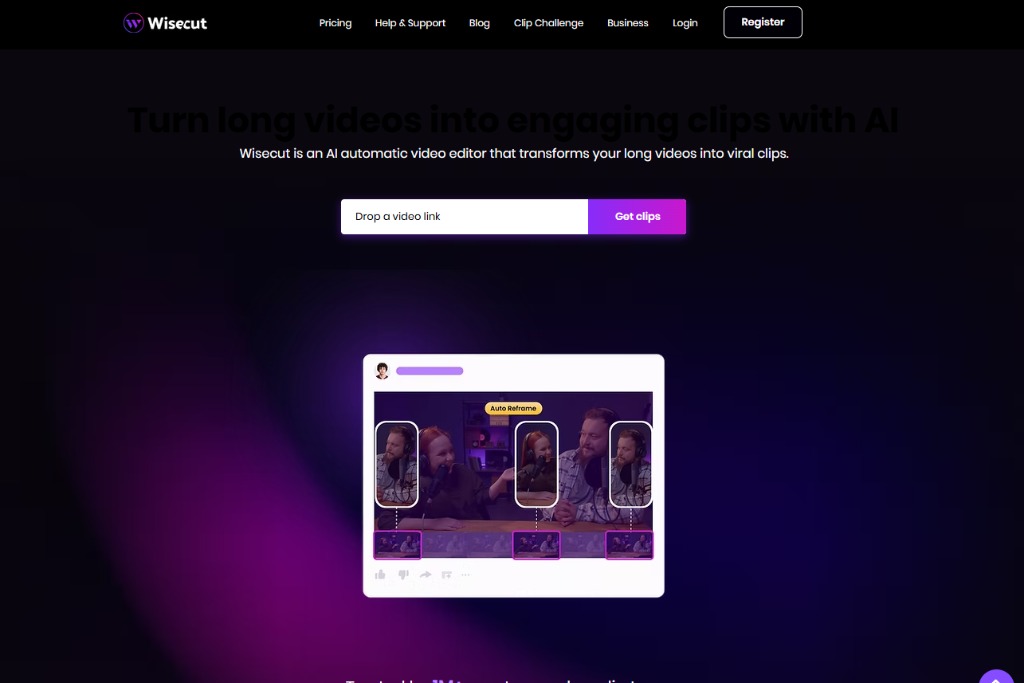
Wisecut
Automatic video editing with AI-driven jump cuts, captions, and soundtracks.
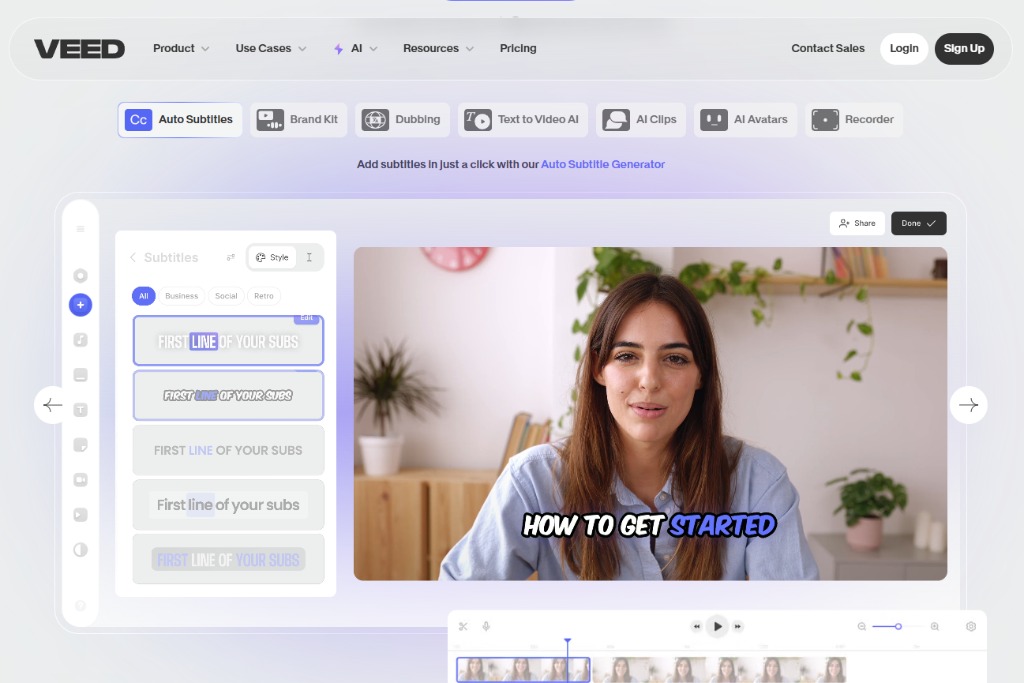
Veed.io
AI video editor for subtitles, trimming, effects, and brand assets.
Kapwing
Collaborative AI video editor for fast content creation and editing.

Vimeo
AI-powered smart video editor by Vimeo for quick edits and storytelling.

FlexClip
AI-enhanced online video editor for marketing and social media content.

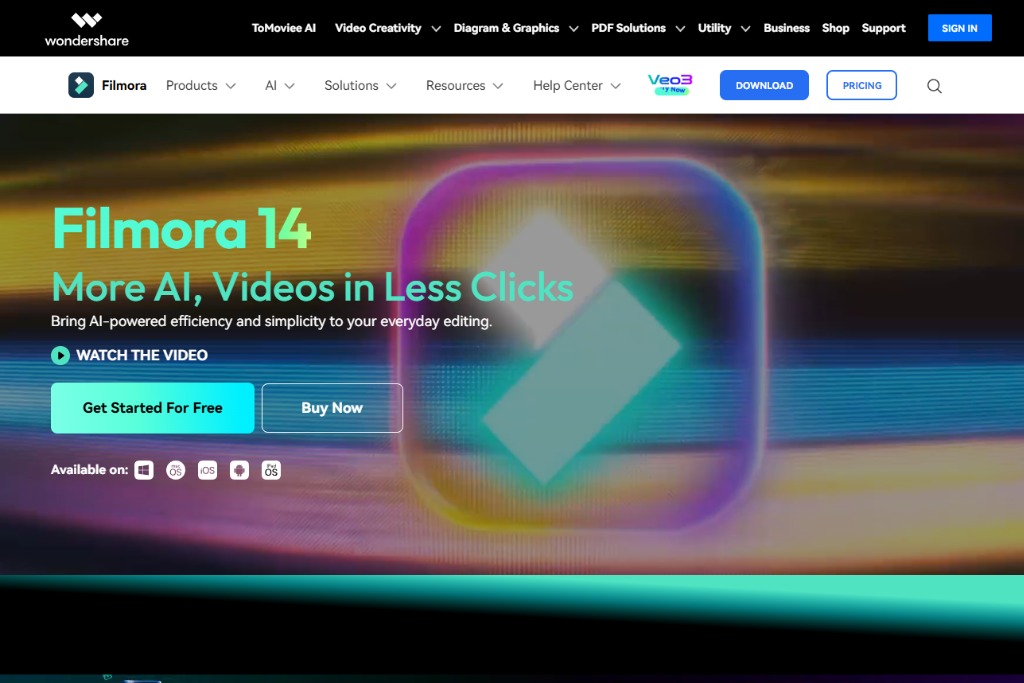
Filmora
Video editor with AI-driven motion tracking, smart cutout, and enhancements.
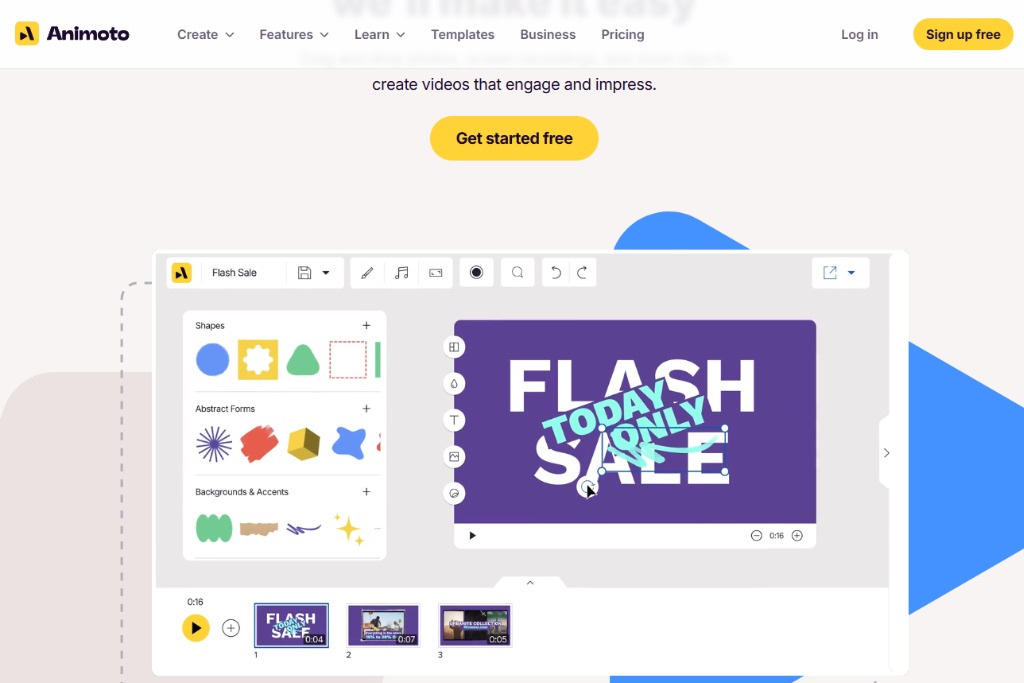
Animoto
AI-driven video creation and editing for social media and business.
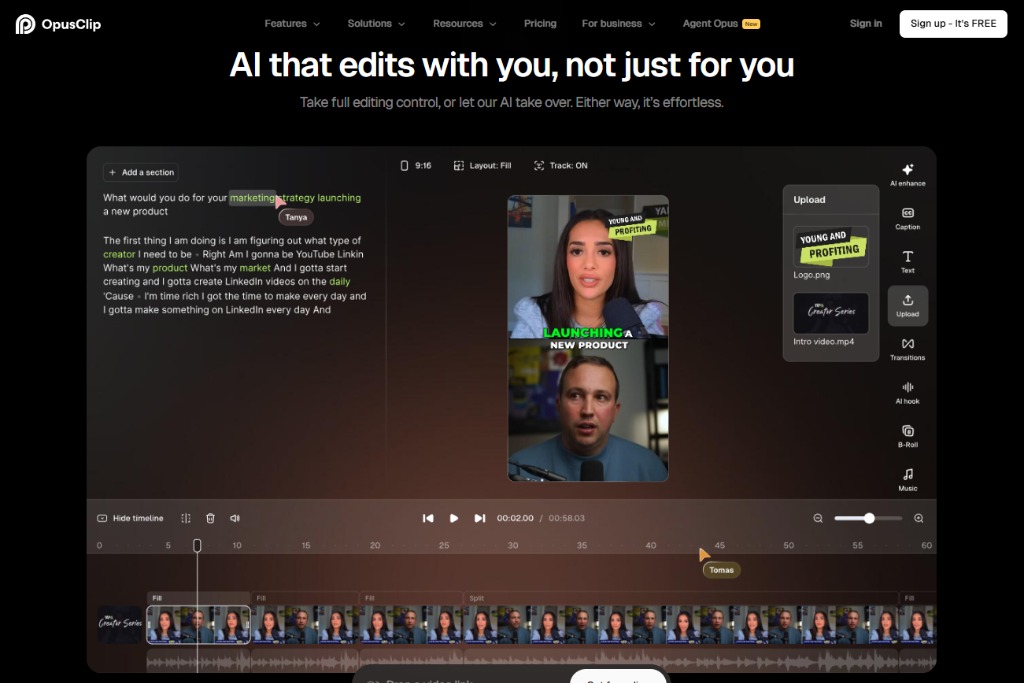
OpusClip
AI tool that repurposes long videos into viral short clips automatically.
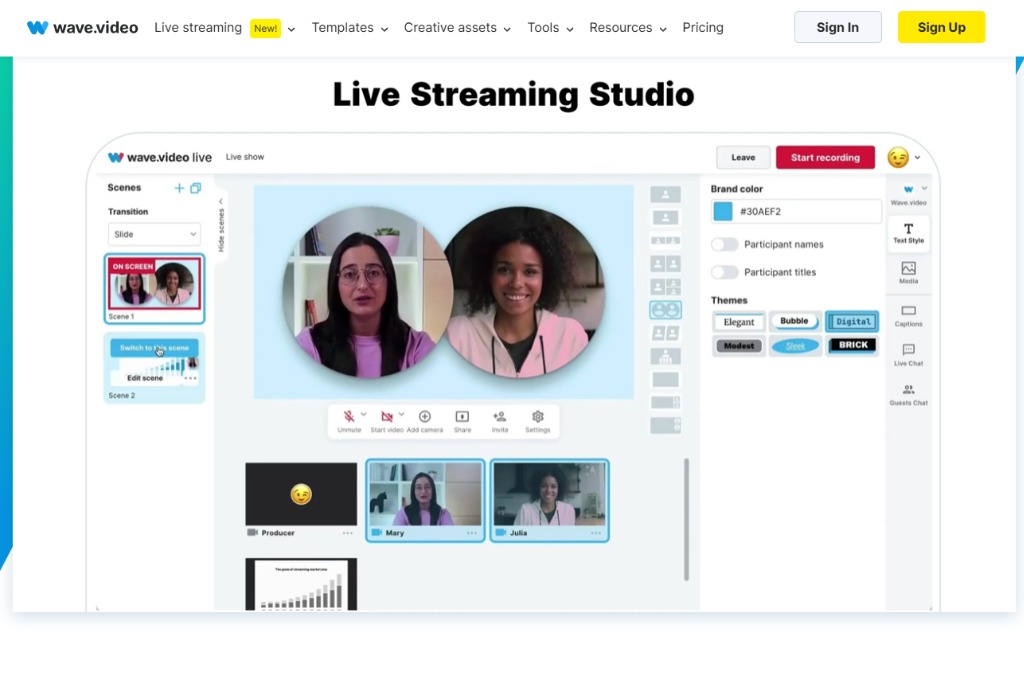
Wave.video
AI-enhanced video editor with stock media and brand templates.
AutoPod
AI video editing automation plugin for Adobe Premiere Pro.
